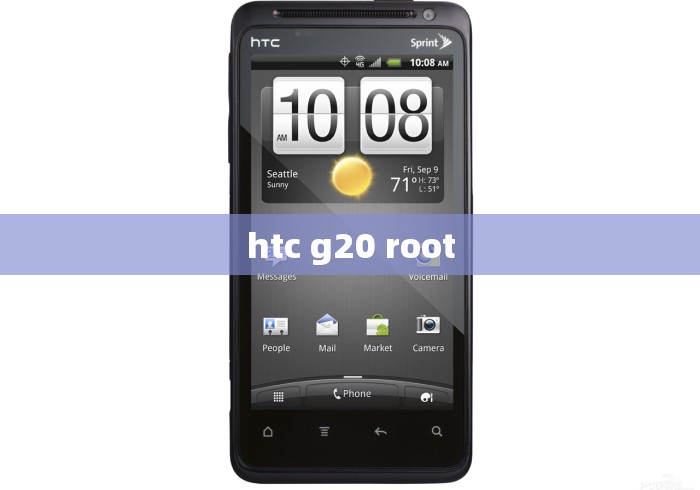
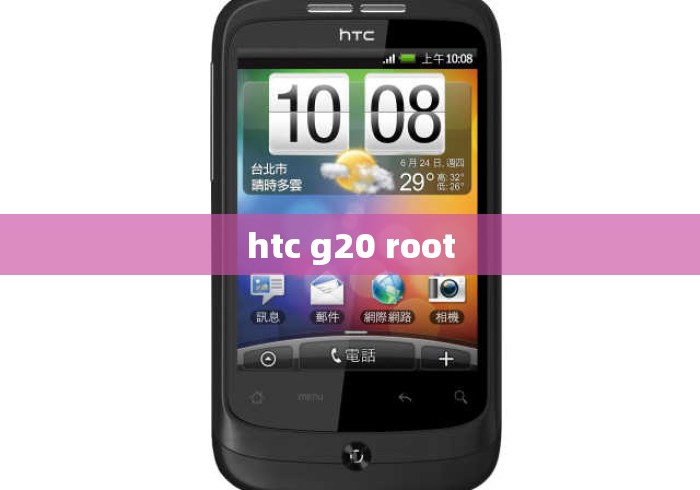
The HTC Desire G20 (also known as the HTC Desire S) is a fairly old Android device (released in 2011). Rooting it is very different from modern phones, and the process depends heavily on your current firmware version and whether the bootloader is unlocked.
Here is a general guide, but please read the warnings first.
⚠️ Important Warnings
- This will void your warranty (likely already expired).
- You can brick your phone if you flash the wrong file.
- Most guides and download links are dead — this device is 13+ years old. You may need to search XDA-Developers archives.
- S-OFF vs S-ON matters enormously. Most HTC Desire S units are S-ON, which restricts flashing.
Step 1: Check Your Bootloader Status
- Power off the phone.
- Hold Volume Down + Power to enter the bootloader (HBOOT).
- Look at the top line:
- S-ON = security on (harder to root)
- S-OFF = security off (easier)
- Note your HBOOT version (e.g., 0.98.0000, 2.00.0002)
Step 2: Unlock Bootloader (if S-ON)
HTC officially supported bootloader unlocking via HTCdev.com:
- Go to HTCdev.com → "Unlock Bootloader"
- Select "HTC Desire S" (or "Other Supported Models")
- Follow the instructions to get your Unlock_code.bin
- Flash it via fastboot:
fastboot flash unlocktoken Unlock_code.bin
- Confirm on the phone screen
Note: HTCdev may still work, but the site has been unreliable in recent years. If it's down, you'll need to use revolutionary.io (for old HBOOT versions) or JuopunutBear (for S-OFF) — both are archived and tricky.
Step 3: Flash a Custom Recovery
Once unlocked:
- Download a recovery image for the Desire S — ClockworkMod (CWM) 5.x or TWRP 2.x (4EXT Recovery was popular for this device).
- Boot into fastboot:
adb reboot bootloader
- Flash:
fastboot flash recovery recovery.img
- Reboot to recovery: Volume Down + Power → Recovery
Step 4: Root
- Download SuperSU.zip (v2.82 or older — newer versions may not work on old Android) or Magisk (only if you're on Android 4.4+; the Desire S maxes out at Android 4.0 officially, though custom ROMs go higher).
- Copy the zip to your SD card.
- In recovery: Install zip from SD card → choose SuperSU.zip
- Reboot. You should see the SuperSU app.
Step 5 (Optional): S-OFF & Custom ROM
- S-OFF tools: Revolutionary (HBOOT ≤ 0.98), JuopunutBear (HBOOT 2.00)
- Popular custom ROMs: CyanogenMod 7/9/10/11, MIUI, ViperSaga
- You'll need to flash the boot.img separately via fastboot if S-ON:
fastboot flash boot boot.img
If You Get Stuck
- XDA Forum: Search "HTC Desire S" — the subforum still exists with archived guides.
- HBOOT mismatch is the #1 cause of failure. Match your HBOOT version to the correct exploit.
- Fastboot not detecting device: Install HTC Sync drivers or use
universal adb driver.
Bottom line: Rooting the HTC G20 is doable but requires patience, archived files, and careful matching of HBOOT version. If you tell me your exact HBOOT version and S-ON/S-OFF status, I can give more specific steps.

暂时没有评论,来抢沙发吧~